EG4 Grid Services
Enroll in Grid Services with EG4 Connect
Follow four simple steps to find an available Virtual Power Plant program, enroll your eligible EG4 system, and manage your participation.
- Your eligible EG4 energy storage system should be installed, commissioned, and connected to EG4 Connect before enrollment.
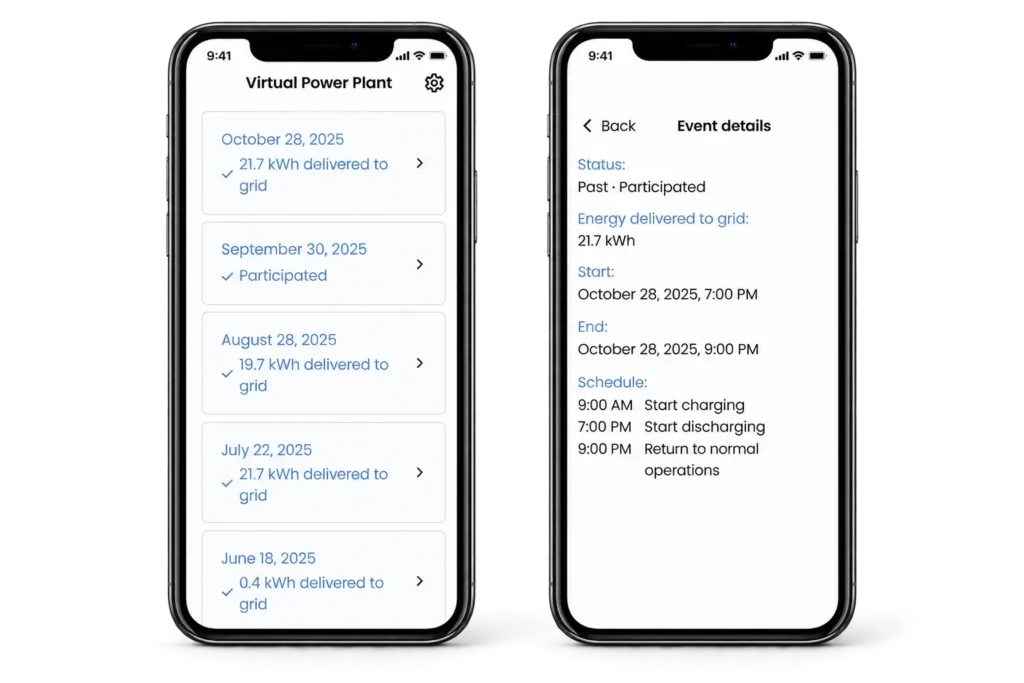
Four steps. All in EG4 Connect.
There’s no separate enrollment portal. Start in the EG4 Connect app and follow the prompts for the program available to your system.
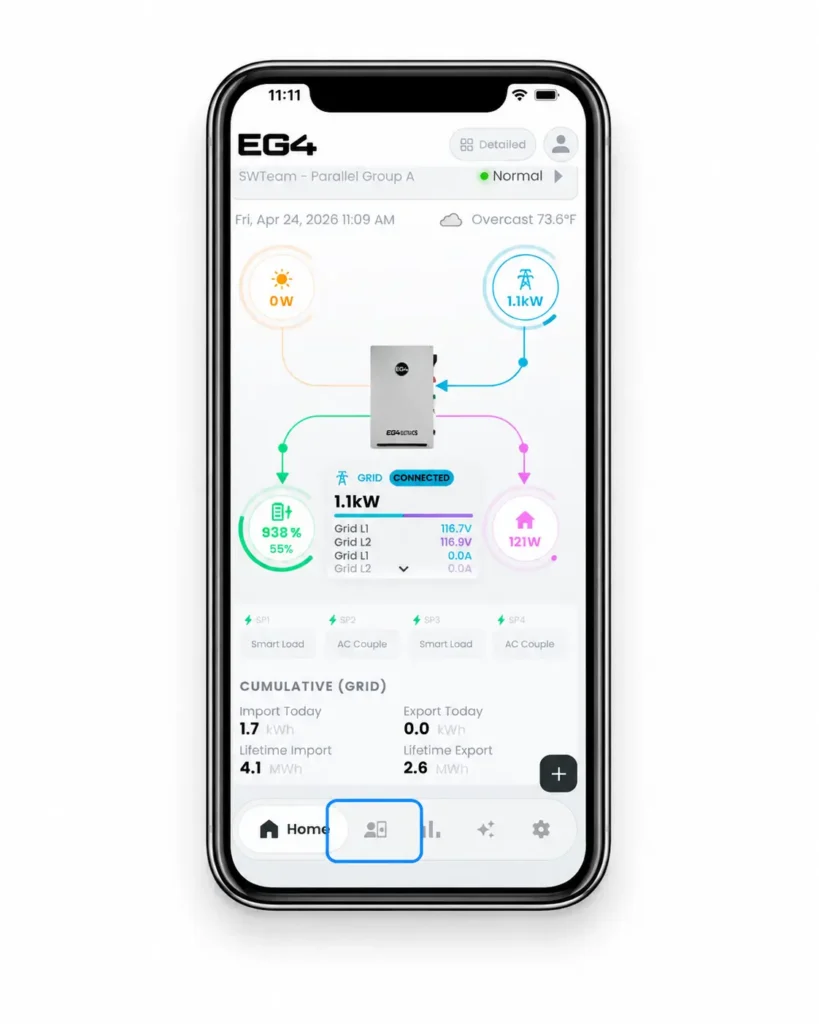
Open VPP in EG4 Connect
Open EG4 Connect and select VPP from the navigation menu to view Grid Services options for your system.
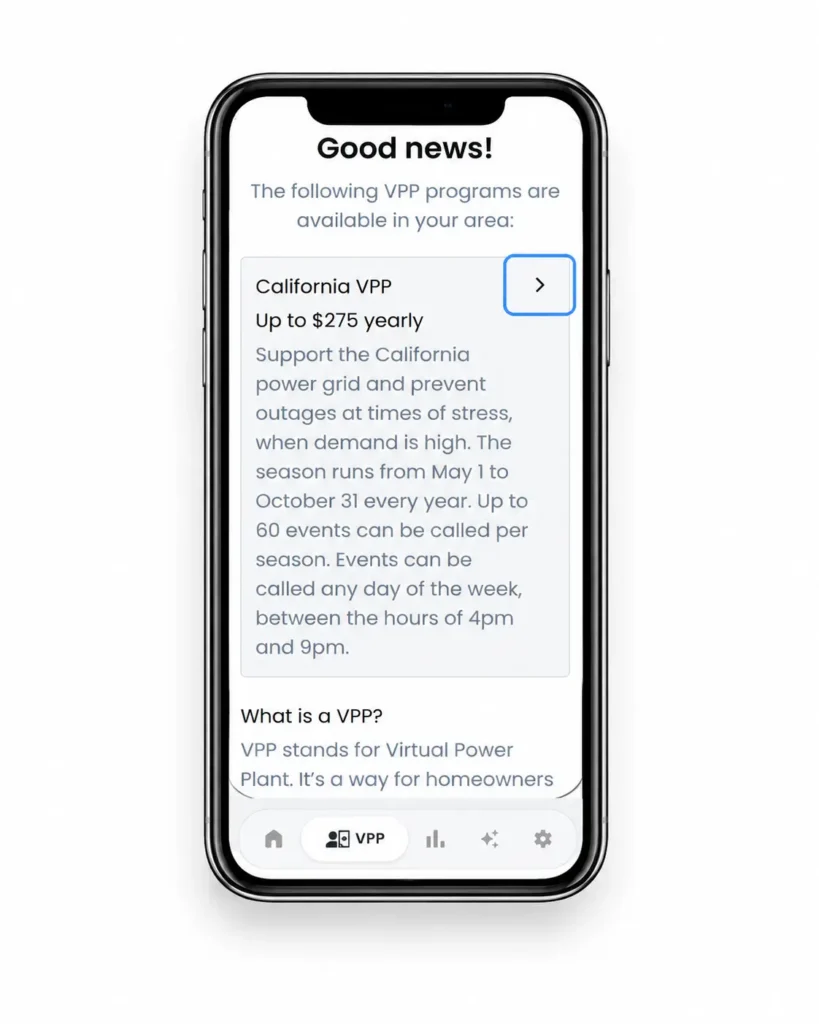
Choose an available program
Review the programs available for your system and location, then select one to see its participation details and available incentives.
- Program availability, requirements, and incentives vary by location.
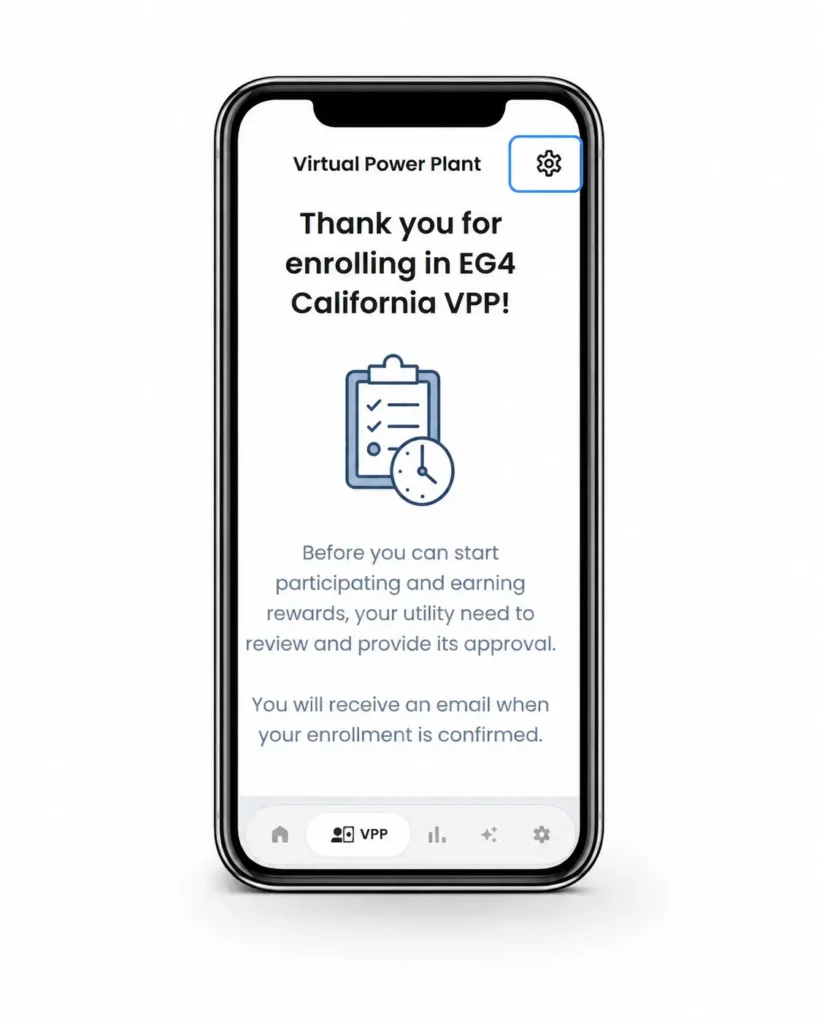
Submit your enrollment
Follow the prompts to provide the requested customer and utility information and submit your enrollment. Your utility or program administrator may need to review it before participation begins.
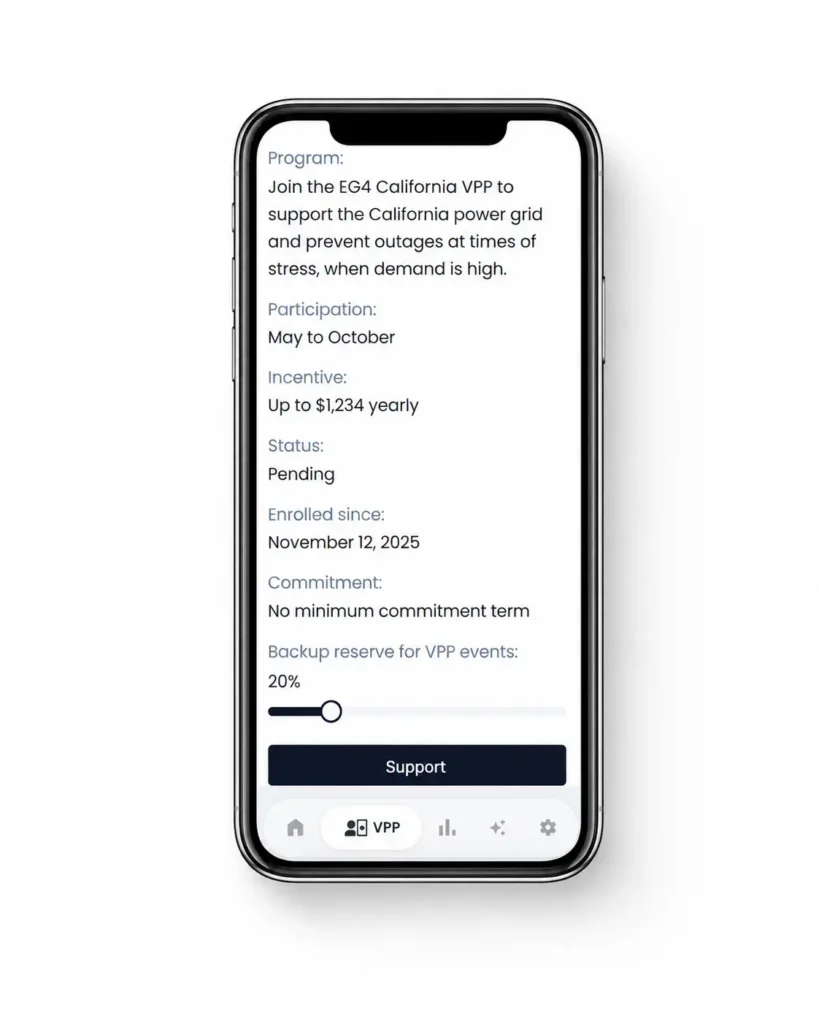
Review your participation settings
After enrollment, return to VPP in EG4 Connect to review your program status and participation details. Where available, you can also manage your backup reserve for VPP events.
Watch the Enrollment Walkthrough
Follow the enrollment process in EG4 Connect from start to finish. See how to find available Grid Services programs, review program details, submit your enrollment, and check your participation status.
Ready to explore Grid Services?
See programs currently available through EG4, or watch the full LearnEG4 walkthrough if you want to follow the enrollment process on screen.